
Follow
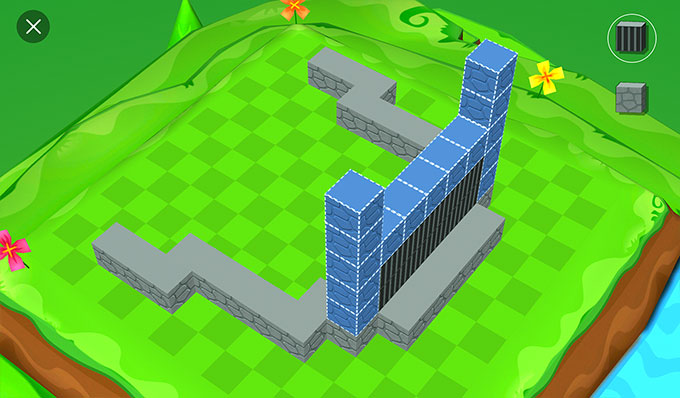
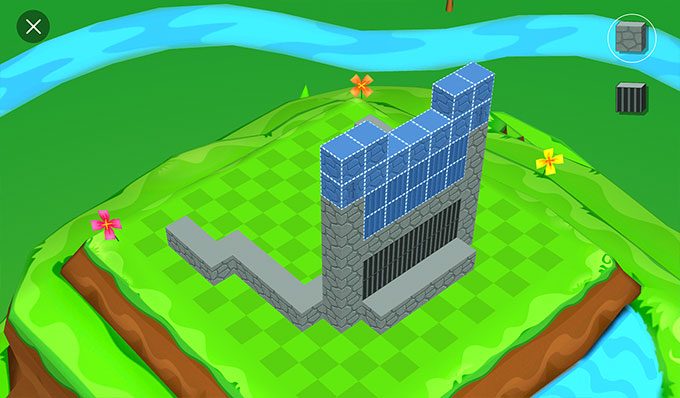
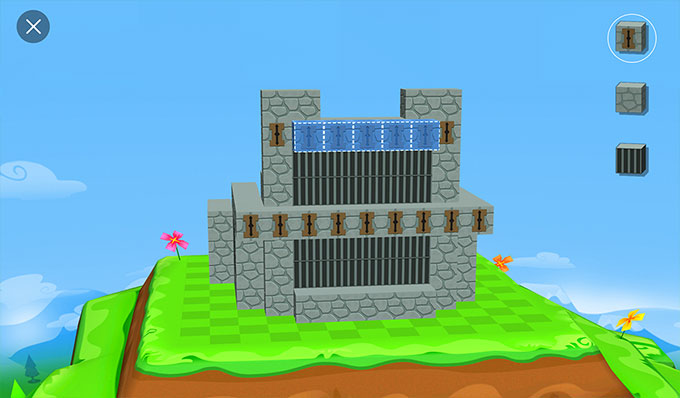
Use blue guide blocks to learn a build step by step.
Free on iOS and Android
Blokify turns 3D modeling into creative play. Follow blue guide blocks, branch into free play, and export finished creations as STL or OBJ files for 3D printing—all free on iOS and Android.
From first block to finished idea
Traditional CAD can put tools and terminology before imagination. Blokify starts with a familiar action: placing blocks. Young makers learn spatial thinking while creating castles, characters, cities, and whatever comes next.
Why block-based modeling works →Use blue guide blocks to learn a build step by step.
Switch to free play and build without a blueprint.
Export your model for a compatible 3D-printing workflow.
Learn by doing
Guided mode gives new builders a visible path through a model. Each completed section reveals what comes next, helping children connect instructions with a 3D result.
Explore guided building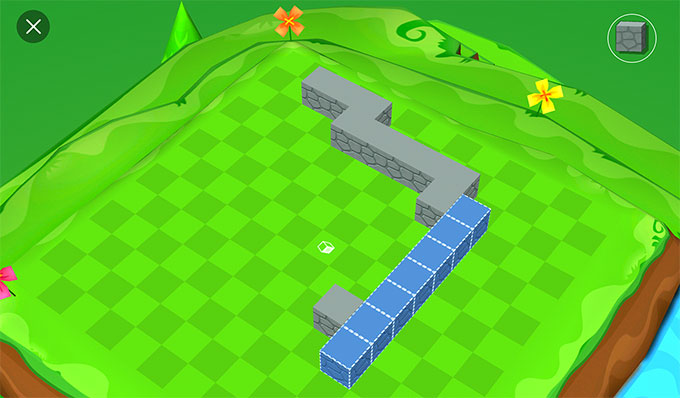
Make it physical
Export a finished model as an STL or OBJ file, then use the slicing and printer workflow that fits your equipment. No Blokify-specific printer is required.
Learn about 3D printing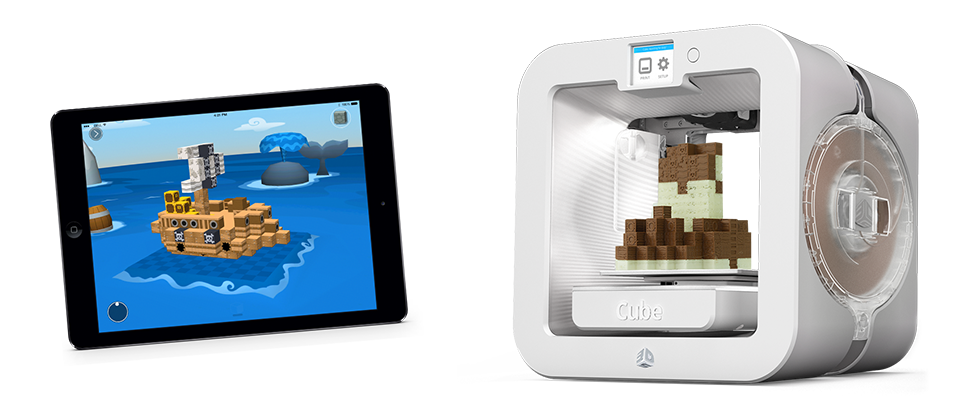
A creative activity with a real outcome
Turn screen time into open-ended making, from a first guided model to original worlds.
Run an approachable digital maker activity and export selected creations for printing.
Give first-time designers a block-based entry point before introducing more advanced CAD tools.
Ready for a building challenge?
Castle
Create a strong entrance with two towers and a detail that tells a story.
Try the castle activity →Space
Connect living, research, storage, and shelter areas within one small footprint.
Try the space activity →City
Build one place that helps people meet, learn, play, travel, or solve a problem.
Try the city activity →Made in Blokify
Explore models shared by Blokify builders.
Questions, answered
Blokify is a block-based 3D modeling app. Builders can follow guided models, create freely, browse shared creations, and export models for 3D printing.
No. Building in 3D is useful and fun on its own. A compatible 3D printer is only needed if you want to make a physical version.
Blokify supports STL and OBJ export. Your printer workflow may also require slicing software to prepare the exported file.
No. Guided builds help new makers learn the controls, while free play supports original designs.