1. Build
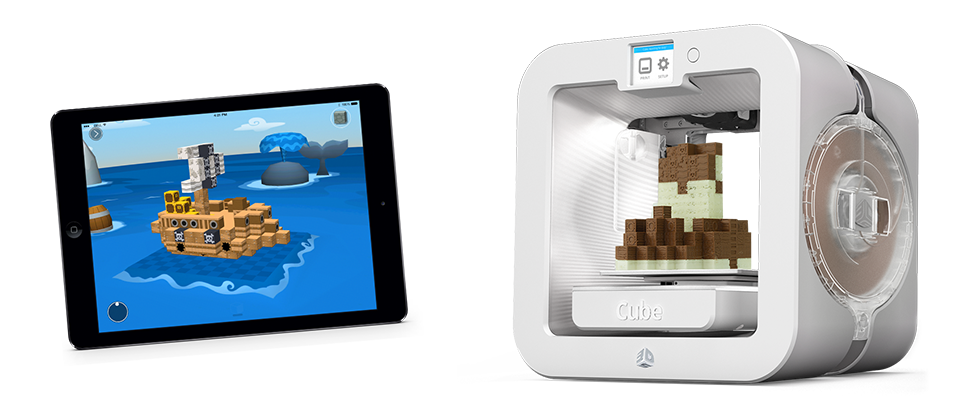
Create a connected model in guided mode or free play. Look at it from every side before exporting.
From screen to shelf
Blokify exports STL and OBJ files. From there, use the slicer, printer, and material that fit your equipment and project.
The workflow
Create a connected model in guided mode or free play. Look at it from every side before exporting.
Save the model as STL for common printing workflows or OBJ when your next tool needs that format.
Open the file in slicing software, confirm scale and orientation, choose printer settings, and inspect the preview.
Before pressing print